
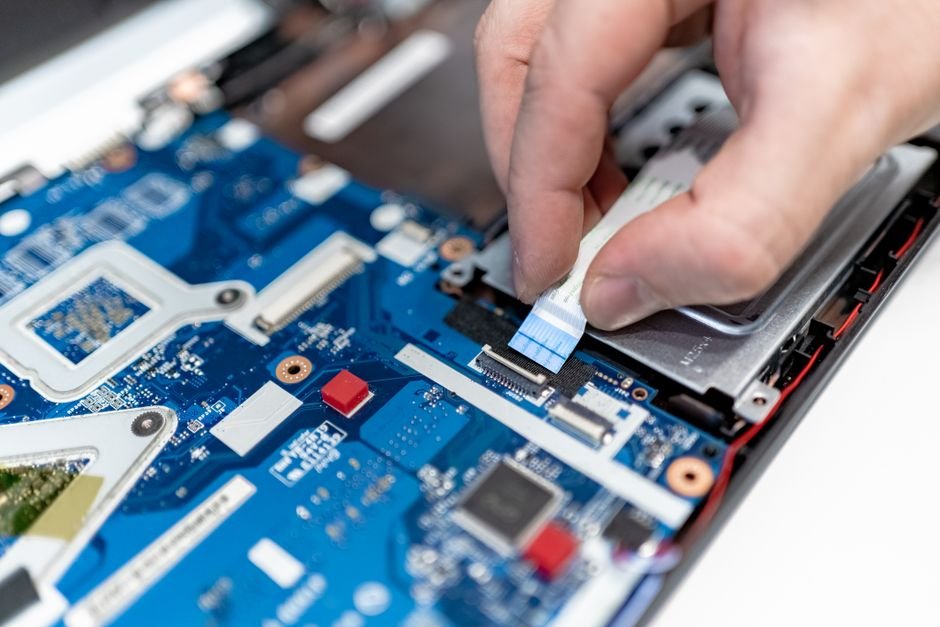
We form genuine emotional attachments to our computers. Your laptop has probably accompanied you through grueling college exams, late-night job applications, freelance deadlines, and hundreds of binge-watched Netflix shows. But like all consumer electronics, laptops have a finite lifespan. As software becomes heavier and hardware components chemically degrade, there comes a point where keeping an aging machine alive costs you more in wasted time and daily stress than buying a replacement.
How do you know when your laptop simply needs a clean reinstall of Windows versus when the underlying hardware has genuinely reached the end of the road? If you are wrestling with sluggish performance, howling cooling fans, or battery life that dies the second you pull the charging plug, here are the unmistakable signs that it is time to upgrade.
Our Take / Quick Verdict: If your laptop cannot run Windows 11 securely due to CPU incompatibility, takes over five minutes to boot, or suffers from severe thermal throttling despite cleaning, upgrading will transform your daily productivity. However, if your only bottleneck is an old mechanical hard drive or low RAM, a cheap ₹2,500 SSD upgrade can often grant a healthy machine two more years of life.
Sign 1: The Battery Dies the Moment You Unplug It
All laptop batteries rely on lithium chemistry that degrades with every thermal cycle. After four to five years (roughly 800 to 1,200 charge cycles), internal battery capacity collapses to 30% or less of its original design. If your laptop can barely survive forty minutes away from a wall socket, it has lost its primary purpose: being portable.
The Danger Sign: Check your laptop’s trackpad and bottom casing. If you notice the trackpad clicking has become stiff or the lower shell is slightly bulging, the internal battery has begun to swell with gas. This is a severe fire hazard and requires immediate replacement or disposal.
Sign 2: The Fans Howl and the Chassis Burns Your Lap
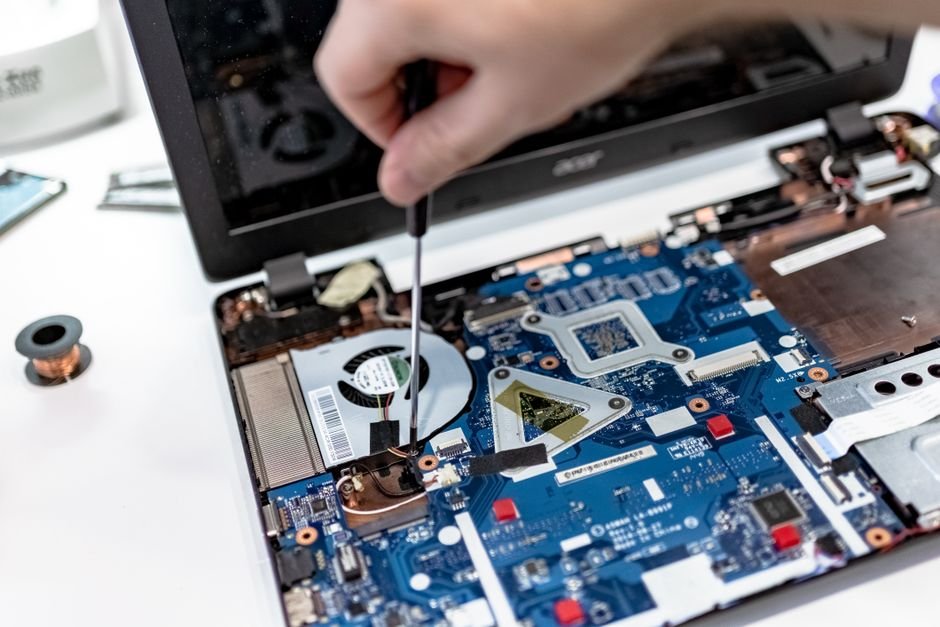
Does opening five browser tabs cause your laptop fans to scream like a jet engine preparing for takeoff? Over years of operation, two things happen inside every laptop:
- The miniature heatsink copper fins get completely blanketed in microscopic household dust and hair.
- The factory thermal paste between the CPU die and copper heat pipe dries up into brittle, non-conductive chalk.
When heat cannot escape, the processor reaches 95°C almost instantly and engages in aggressive “thermal throttling”—deliberately slashing its clock speeds from 3.5GHz down to 800MHz to avoid burning up. The result? Your mouse cursor stutters, typing lags behind your keystrokes, and the aluminum palm rest becomes uncomfortably hot to touch.
Diagnostic Checklist: Repair or Replace?
Before throwing your laptop in the e-waste bin, consult this quick decision matrix to see if a simple DIY fix can save it:
| Symptom | Underlying Cause | Can You Fix It Inexpensively? | Verdict |
|---|---|---|---|
| Boot takes 2+ minutes, apps load slowly | Old 5400 RPM mechanical HDD | Yes! Install a ₹2,000 SATA SSD | Fix it! (Huge speed gain) |
| Freezes when 10+ tabs are open | Only 4GB or 8GB RAM installed | Yes! Add an 8GB RAM stick (₹1,500) | Fix it! (If RAM is un-soldered) |
| CPU is an Intel 7th Gen or older | Lacks TPM 2.0 & Windows 11 support | No. Hardware cutoff by Microsoft | Upgrade Laptop |
| Screen has lines, cracked hinge | Physical plastic/chassis fatigue | Replacement parts cost ₹5,000–₹8,000 | Upgrade Laptop |
| Cannot run basic Zoom/Meet without freezing | Ancient dual-core processor bottleneck | No. CPU is permanently soldered | Upgrade Laptop |
Sign 3: Unsupported Operating Systems and Security Risks
Microsoft officially retired Windows 10 support, which means systems running older hardware will no longer receive monthly security patches, bug fixes, or vulnerability updates against modern ransomware and banking trojans. Windows 11 strictly mandates modern processors (Intel 8th Gen / AMD Ryzen 2000-series or newer) and hardware TPM 2.0 security chips.
While workarounds exist to bypass these checks, running an unsupported operating system on aging silicon leads to frequent blue screen crashes and leaves your sensitive banking and email credentials exposed to zero-day vulnerabilities.
Sign 4: Physical Hinge Separation and Port Failures
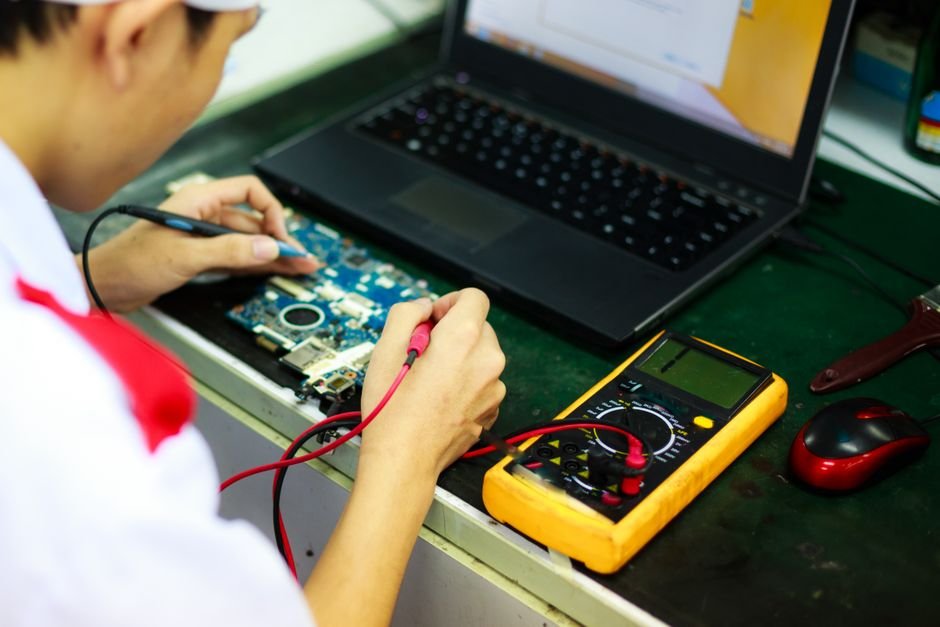
Laptops use brass threaded standoffs melted into plastic chassis ribs to anchor their metal screen hinges. After five or six years of opening and closing the lid, the brittle plastic cracks. If you notice your screen creaking, the keyboard deck pulling apart when you tilt the display, or USB ports disconnecting whenever you nudge a cable, the physical integrity of the machine is failing.
Fixing cracked hinges and failing power ports on an out-of-warranty budget laptop often costs ₹4,000 to ₹7,000 at local repair shops—money that is far better redirected toward a brand new machine with a fresh 1-year warranty.
Ready to look at modern, highly capable replacements that won’t drain your bank account? Browse our tested roundup on Best Laptops for Students Under ₹50,000 for the best value picks on the market today.
Frequently Asked Questions
1. How many years should a good laptop typically last?
A quality mid-range or premium laptop should comfortably last between four to six years for everyday productivity, web browsing, and office work. Gaming laptops generally feel dated after three to four years due to demanding graphics engine advancements.
2. Can I install Linux on an old, slow laptop?
Yes! If your hardware is still physically sound but cannot handle Windows 11, installing a lightweight Linux distribution like Linux Mint or ChromeOS Flex can turn an old machine into a remarkably snappy web browsing and document computer.
3. How should I safely wipe my old laptop before selling or recycling it?
On Windows, navigate to Settings > System > Recovery > Reset this PC > Remove everything. Choose the “Clean the drive” option, which securely overwrites sectors so your personal files cannot be recovered with data recovery software.
4. Is it worth repairing a 5-year-old laptop?
Apply the 50% rule: if the repair quote exceeds 50% of what the laptop is currently worth on the used market (or 25% of the cost of a new entry-level laptop), repairing it is a poor financial decision. Put that money toward a modern replacement.
The Verdict
Your computer should be a reliable tool that empowers your creativity and productivity—not a daily source of rage, spinning loading wheels, and battery anxiety. If your old machine can be salvaged with an inexpensive SSD and fresh thermal paste, give it a second lease on life. But if you are fighting obsolete dual-core processors, unsupported operating systems, and failing hardware hinges, give yourself permission to upgrade. The leap to modern computing responsiveness will make you wonder why you waited so long.