
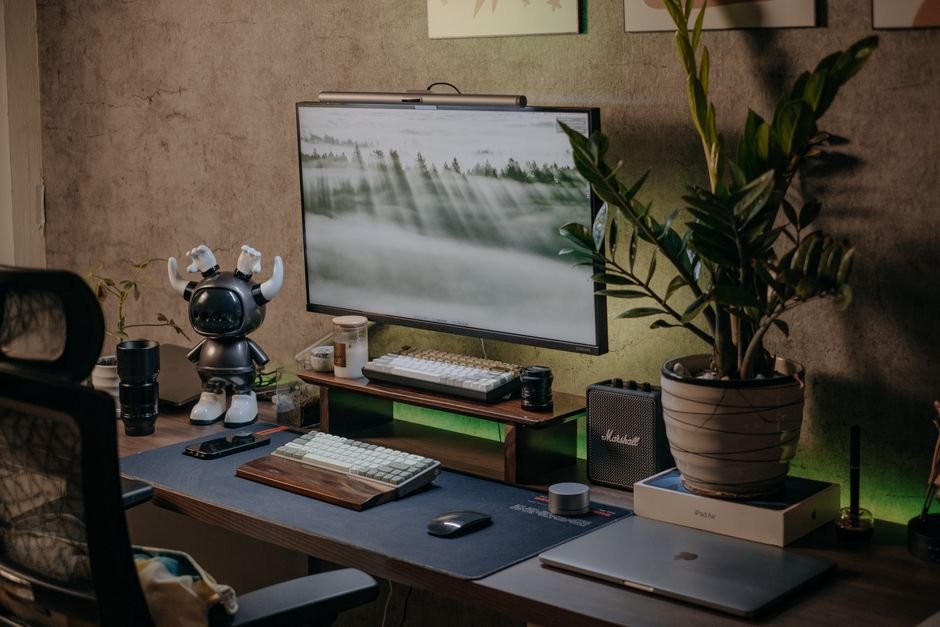
When remote and hybrid work transitioned from a temporary lockdown measure into a permanent lifestyle, millions of us found ourselves hunched over dining tables, balancing hot laptops on our laps, or squinting at tiny screens while untangling a bird’s nest of charging cables. After eight hours of continuous meetings and typing, your neck is stiff, your wrists ache, and your posture is completely wrecked.
You don’t need a corporate expense account or a ₹1,00,000 budget to build an inspiring, ergonomic home office. A handful of thoughtfully engineered tech accessories—costing anywhere from ₹500 to ₹4,000 each—can dramatically reduce physical fatigue, eliminate desk clutter, and boost your daily output. After years of testing desk peripherals in home setups, here are the non-negotiable accessories that deliver the highest return on investment.
Our Take / Quick Verdict: If you only buy two accessories, get an adjustable aluminum laptop riser and an ergonomic wireless mouse. Raising your screen to eye level immediately eliminates neck strain, while taking your hands off the cramped laptop trackpad prevents carpal tunnel syndrome during 8-hour workdays.
1. An Adjustable Aluminum Laptop Riser
The human head weighs between 4.5 to 5.5 kg in an upright position. When you tilt your head 45 degrees downward to look at a laptop sitting flat on a table, the effective gravitational load on your cervical spine skyrockets to nearly 22 kg! This is the direct medical cause of chronic neck stiffness, shoulder knots, and tension headaches.
A sturdy, foldable aluminum riser (like options from Portronics, Tukzer, or Cosmic Byte for ₹700 to ₹1,200) raises your display directly to natural eye level. Look for models with silicone non-slip padding and ventilated open cutouts that allow cool airflow under your laptop chassis, preventing thermal throttling during warm afternoons.
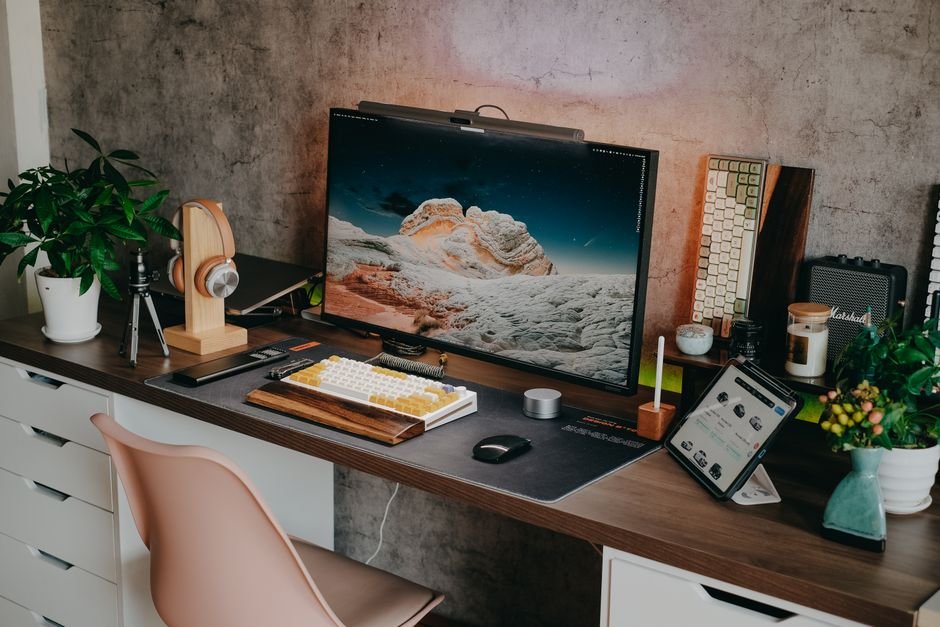
WFH Accessories Priority Matrix: High-Impact Gear
Here is our curated guide to the most practical accessories categorized by price and ergonomic benefit:
| Gadget / Accessory | Why You Need It | Recommended Brand / Spec | Price Range (India) |
|---|---|---|---|
| Adjustable Laptop Riser | Aligns screen to eye level, cures neck strain | Portronics My Buddy / Tukzer Aluminum | ₹799 – ₹1,299 |
| Ergonomic Wireless Mouse | Relieves wrist compression and carpal pressure | Logitech M330 Silent / MX Anywhere | ₹999 – ₹3,999 |
| 7-in-1 USB-C Hub / Dock | Single cable connection for HDMI, USB, and Power | Anker / Amkette / Tukzer 100W PD Hub | ₹1,499 – ₹2,499 |
| Monitor Screen Light Bar | Illuminates desk surface without screen glare | Baseus / Quntis USB Monitor Lamp | ₹2,299 – ₹3,499 |
| Noise-Canceling Wireless Headset | Blocks household background noise during calls | Realme Buds T300 / Jabra Talk | ₹1,999 – ₹3,499 |
| 65W GaN Multi-Port Charger | Powers laptop, phone, and earbuds from one brick | Stuffcool / Belkin GaN 3-Port Adapter | ₹1,999 – ₹2,999 |
2. An Ergonomic Mouse and Dedicated Keyboard
Once you elevate your laptop on a stand, you can no longer comfortably type on its built-in keyboard without raising your shoulders into an unnatural, stressful posture. You need dedicated input peripherals.
A wireless mouse with a contoured thumb rest (like the Logitech M330 Silent or Pebble) lets your forearm rest in a neutral handshake position. Pair it with a compact membrane or mechanical keyboard with a gentle typing angle. The silent switches ensure you don’t annoy family members or colleagues on conference calls while typing meeting minutes.
3. 7-in-1 USB-C Power Delivery Hub
Modern ultrabooks often ship with just two USB-C ports, creating endless frustration when you need to plug in an external HDMI monitor, an older USB-A thumb drive, a wireless receiver, and your charging cable simultaneously.
A multi-port USB-C hub acts as a desktop docking station. You leave your monitor, keyboard, and external storage plugged into the hub. When you sit down with your laptop, you connect a single Type-C cable to the side of your notebook, and your entire workstation comes to life instantly while passing through up to 100W of power.
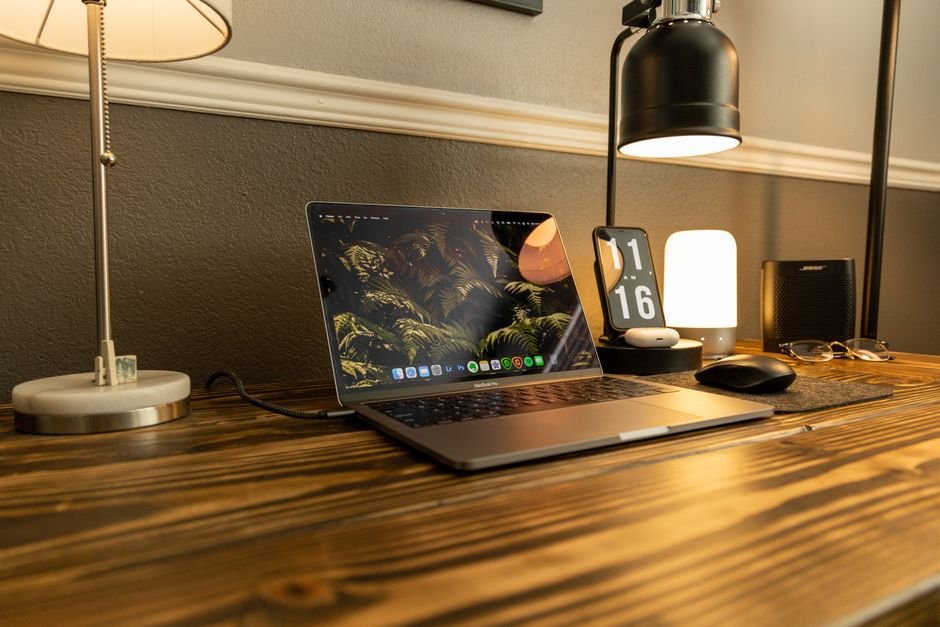
4. Monitor Screen Light Bar: Save Your Eyes
Traditional desk lamps are a terrible match for computer monitors. They shine light directly onto the glass panel, creating reflections, washed-out contrast, and harsh glare that fatigues your eyes within hours. If you work late into the night, room ceiling lights can also create high contrast zones that strain your pupils.
A monitor light bar clamps directly to the top edge of your monitor or laptop screen. Using asymmetrical optical lenses, it casts a warm, uniform blanket of light exclusively downward across your keyboard and paperwork, with zero forward glare shining into your eyes or onto the display panel. It is a genuine game-changer for late-night productivity.
Need great audio to filter out background pressure cooker whistles and street chatter during Zoom calls? Be sure to read our tested buyer guide on Best Wireless Earbuds Under ₹3,000 for active noise canceling picks.
Frequently Asked Questions
1. Do I need an expensive standing desk for healthy WFH?
Not necessarily. While motorized standing desks are great, you can achieve 90% of the ergonomic benefits simply by taking regular 5-minute standing breaks every hour and using a ₹999 laptop riser to align your screen at eye level.
2. What is a GaN charger, and why is it better for WFH?
Gallium Nitride (GaN) replaces traditional silicon semiconductors inside power bricks. GaN components run cooler and conduct electricity with greater efficiency, allowing a 65W charger to be the physical size of an egg while safely powering your laptop and phone simultaneously.
3. Are mechanical keyboards too loud for conference calls?
It depends on the switch type. Avoid “Blue” clicky switches for office work. Instead, opt for “Red” linear or “Brown” tactile switches with sound-dampening foam, which provide satisfying tactile travel without picking up on microphones.
4. How can I hide messy desk cables on a budget?
Pick up a pack of velcro cable ties (₹199) and an under-desk cable management tray or J-channel raceway (₹499 on Amazon). Bundling your power cables into a single drop eliminates visual clutter and prevents accidental wire tugging.
Summary
Working from home shouldn’t leave you with a throbbing neck and an aching wrist. Investing ₹3,000 to ₹5,000 across a sturdy laptop riser, an ergonomic wireless mouse, and a clean USB-C hub transforms any regular bedroom table into an inspiring, fatigue-free workspace. Start with an elevated screen today—your spine will thank you by 5 PM.