
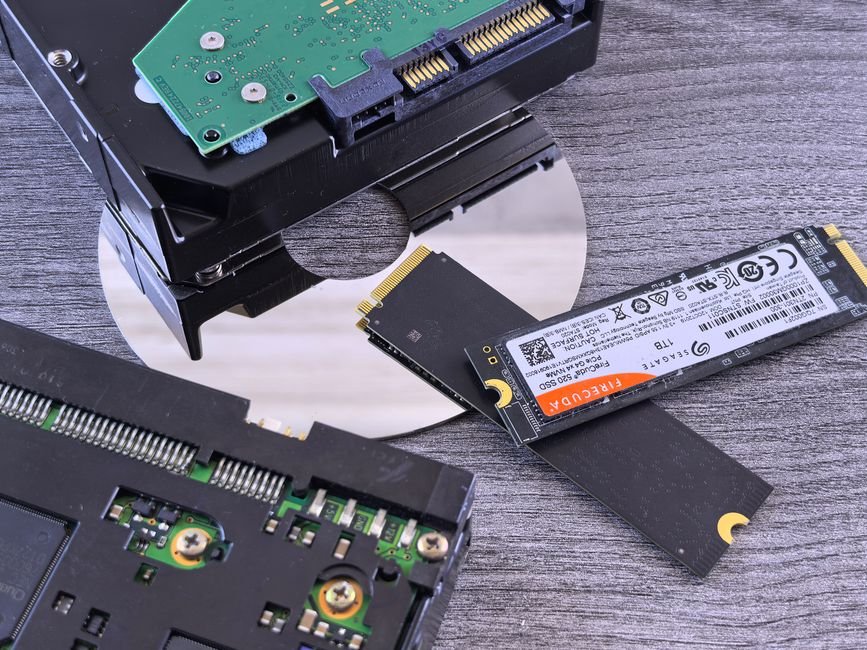
If you have ever pressed the power button on a laptop, walked to the kitchen to brew a cup of tea, and returned to find your computer still grinding away on the Windows login screen, you have experienced the agonizing sluggishness of a mechanical Hard Disk Drive (HDD). For over four decades, spinning magnetic platters served as the world’s primary digital filing cabinet. But in 2026, relying on a hard drive for your operating system is like putting wooden wagon wheels on a sports car.
The transition to Solid State Drives (SSDs)—particularly modern PCIe Gen 4 and Gen 5 NVMe drives—is the single most transformative upgrade in personal computing history. More than upgrading your CPU or doubling your RAM, swapping an old HDD for an SSD brings an instantaneous, night-and-day speed revolution. Here is why your next laptop must completely skip the mechanical hard drive.
Our Take / Quick Verdict: Never buy a laptop in 2026 that uses a mechanical hard drive as its boot drive. An NVMe SSD is 30 to 50 times faster in real-world random file access, boots Windows in under 10 seconds, and has zero moving parts to break during accidental drops. Mechanical HDDs should strictly be relegated to cheap external backup drives for archived photos and videos.
Mechanical Friction vs. Silicon Flash: The Physics
To understand the immense speed difference, you only need to understand how both technologies store data:
- Mechanical HDD: Inside an HDD sits a circular magnetic platter spinning at 5,400 or 7,200 RPM, with a tiny mechanical read/write actuator head hovering a hair’s breadth above it. Whenever your computer needs a file, that physical arm must mechanically sweep across the spinning disk to locate the sector. This introduces physical latency (seek time) of 10 to 15 milliseconds per request.
- Solid State Drive (SSD): An SSD has zero moving parts. It stores data electronically in microscopic NAND flash memory cells controlled by an intelligent microprocessor. Accessing any file anywhere on the drive takes less than 0.05 milliseconds—virtually instantaneous.
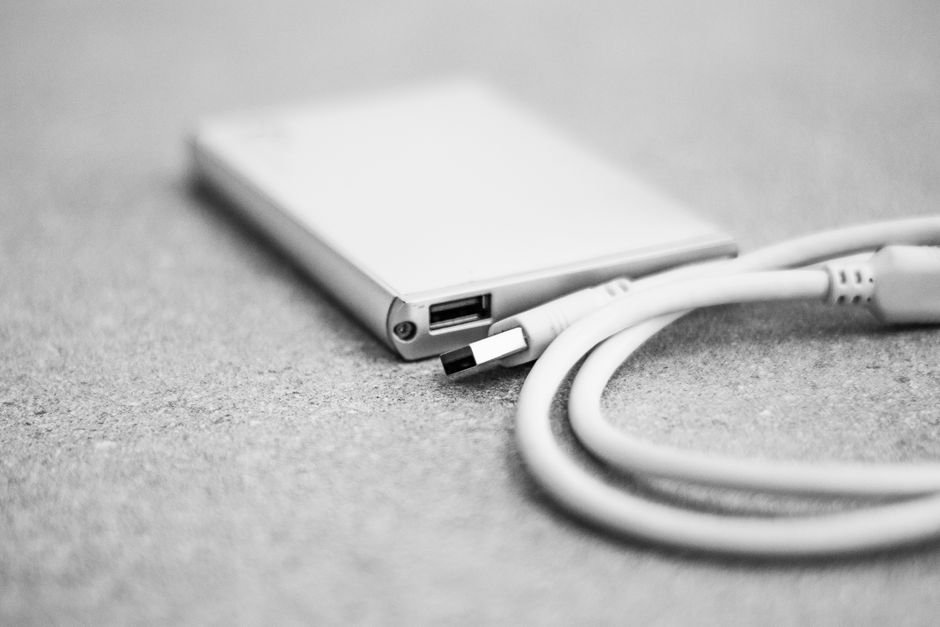
Real-World Performance Comparison: SSD vs HDD
Here is how the numbers play out in real daily tasks that you encounter every single day:
| Metric / Daily Scenario | Mechanical HDD (2.5″ 5400 RPM) | SATA SSD (2.5″) | PCIe Gen 4 NVMe M.2 SSD |
|---|---|---|---|
| Sequential Read Speed | 100 – 140 MB/s | 500 – 550 MB/s | 3,500 – 7,400 MB/s |
| Random 4K File Access | 0.5 – 1.5 MB/s (Painful) | 30 – 50 MB/s | 80 – 120+ MB/s |
| Windows 11 Boot Time | 45 to 90+ seconds | 15 to 20 seconds | 6 to 10 seconds |
| App Launch (Chrome, Word) | 8 to 15 seconds | 2 to 3 seconds | Instantaneous (<1 sec) |
| Game Level Load Time | 40 to 60+ seconds | 12 to 18 seconds | 5 to 8 seconds |
| Shock / Drop Resistance | Fragile (Head crash destroys data) | High (Immune to vibration) | Maximum (Solid state silicon) |
| Acoustics & Vibration | Audible humming & clicking | Completely silent (0 dB) | Completely silent (0 dB) |
Why Windows 11 Demands an SSD
If you install Windows 11 on a mechanical hard drive today, the operating system is virtually unusable. Why? Modern operating systems perform hundreds of background micro-operations every second—indexing search files, checking antivirus definitions, downloading telemetry, and caching browser memory pages.
On an HDD, this constant stream of random read/write requests keeps the physical drive pegged at 100% Active Time in Windows Task Manager continuously. The drive arm is thrashing back and forth so rapidly that any app you try to open sits waiting in queue for thirty seconds. On an SSD, those hundreds of background requests are cleared in a fraction of a second, leaving the drive idle and responsive.
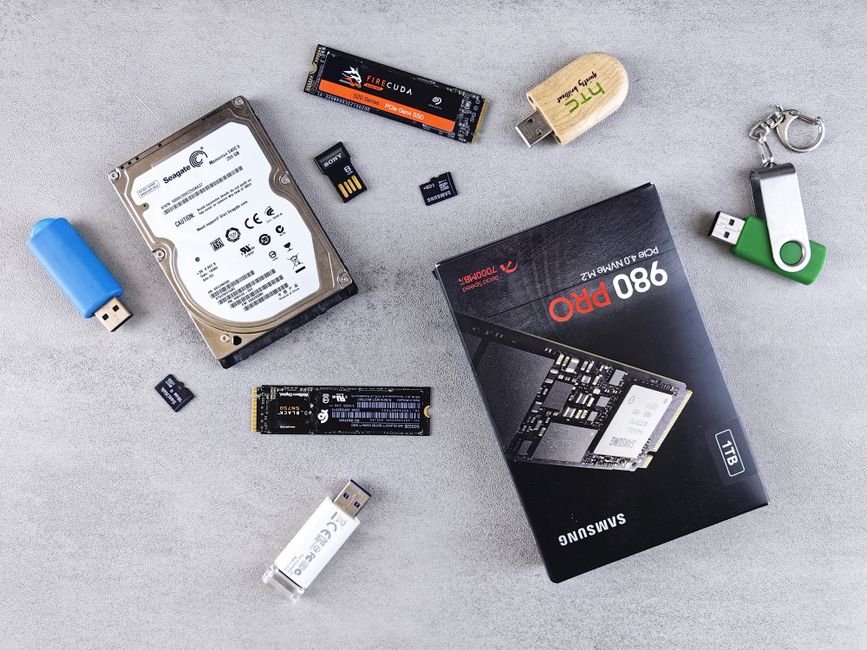
Drop Durability: The Hidden Laptop Saver
Laptops are mobile by nature. You pick them up off desks, toss them into backpacks, and sometimes accidentally bump them against door frames while walking. If your laptop contains a mechanical hard drive spinning at 5,400 RPM when you drop your backpack, the microscopic read head can physically slam into the spinning magnetic platter—an event known as a “head crash.” In a split second, your operating system and precious personal documents are irreversibly destroyed.
Because an SSD has zero mechanical moving parts, it can survive violent drops, bumps, and continuous vibrations in moving cars or trains without losing a single bit of data. For students and traveling professionals, this reliability alone justifies leaving HDDs behind.
Is your laptop still feeling sluggish even with an SSD installed? The bottleneck might be aging silicon or background throttling. Check our diagnostic guide on Signs It’s Time to Upgrade Your Old Laptop to assess your machine’s health.
Frequently Asked Questions
1. Do HDDs have any advantages over SSDs in 2026?
Only one: pure cost per terabyte for massive storage capacities. A 4TB or 8TB external mechanical hard drive is still significantly cheaper than an equivalent 8TB SSD. This makes HDDs great for desktop security camera NVRs, NAS servers, and offline photo cold storage.
2. Can I replace the HDD in my old laptop with an SSD?
Yes! If your old laptop has a 2.5-inch SATA hard drive bay, you can buy a standard 2.5-inch SATA SSD (like a Crucial BX500 or Kingston A400) for around ₹2,000 to ₹3,000. Swapping it in will make your six-year-old laptop feel faster than the day you bought it.
3. What is the difference between SATA SSD and NVMe SSD?
SATA SSDs connect through older storage cables capped at around 550 MB/s. NVMe SSDs plug directly into the high-speed PCIe bus on the motherboard, delivering speeds of 3,500 to 7,000+ MB/s. Modern laptops use NVMe M.2 slots exclusively.
4. Do SSDs degrade and wear out over time?
SSDs have a rated lifespan measured in Terabytes Written (TBW). A standard 512GB SSD typically has a 300 TBW rating. For average daily use, you would need to write 100GB of new data every single day for over eight years before exhausting the drive’s endurance.
Summary
The verdict is decisive: mechanical hard drives are dead for personal laptops. When buying a laptop in 2026, ensure the primary drive is at least a 512GB NVMe M.2 SSD. You will enjoy 10-second boot times, instantaneous app launches, zero mechanical clicking noise, and the confidence that a sudden bump won’t wipe out your digital life. Leave spinning platters in the history books where they belong.