
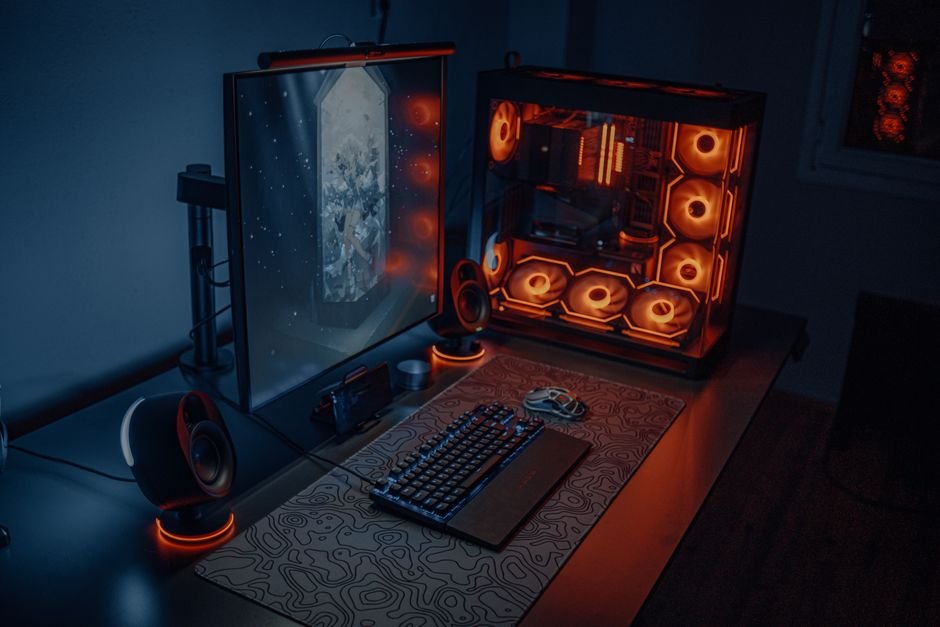
It is the quintessential dilemma every PC gaming enthusiast faces when saving up for a new rig: should you buy a sleek, portable gaming laptop that you can pack into a backpack for LAN parties and college hostels? Or should you build a stationary gaming desktop tower with glowing RGB fans, beefy cooling radiators, and full-sized graphics cards?
On paper, both machines often list similar marketing names—an “RTX 4060” or “Core i7.” But behind those identical brand labels lies a massive chasm in wattage, thermal physics, long-term upgradeability, and ownership costs. If you have ₹80,000 to ₹1,50,000 to invest, here is the unvarnished reality of gaming laptops versus gaming desktops in 2026.
Our Take / Quick Verdict: Buy a gaming laptop if you are a student living in a hostel, someone who travels frequently, or lack dedicated desk space in a shared apartment. Build a gaming desktop if you want 30% to 50% more raw graphics performance per rupee, whisper-quiet operation, and the freedom to upgrade individual parts over a 7-year lifespan.
The GPU Wattage Reality: Why Names Can Be Deceiving
The single biggest misconception among first-time buyers is assuming a laptop graphics chip performs identically to its desktop counterpart. Physics cannot be negotiated: a full-sized desktop Nvidia RTX 4070 draws between 200W and 220W of continuous power and exhausts heat through a massive triple-slot aluminum heatsink. A laptop RTX 4070 is squeezed into a 20mm chassis and restricted to between 100W and 140W Total Graphics Power (TGP).
Because of these strict power and thermal envelopes, a desktop graphics card will comfortably outperform its identically named laptop counterpart by 25% to 45% in demanding titles like Cyberpunk 2077 or Alan Wake 2. When shopping for a gaming laptop, always verify the manufacturer’s exact TGP rating.
Head-to-Head Comparison: Portability vs. Performance
Here is an objective breakdown of how both gaming platforms compare across essential consumer criteria:
| Comparison Dimension | Gaming Laptop | Custom Gaming Desktop |
|---|---|---|
| Portability | Exceptional (Take anywhere in a backpack) | Zero (Stationary permanent desk setup) |
| Raw Performance per Rupee | Moderate (30-40% price premium for miniaturization) | Maximum (Uncut desktop wattage and bandwidth) |
| Acoustics & Thermals | Loud (Fans scream at 50dB+; CPU hits 88°C–95°C) | Whisper quiet (Large 120mm fans; CPU runs 60°C–72°C) |
| Display & Input | Built-in 15″-17″ high-refresh screen & keyboard | Requires separate monitor, keyboard, and speakers |
| Lifespan & Upgrades | 3 to 4 years (CPU & GPU permanently soldered) | 6 to 8+ years (Swap GPU, CPU, RAM, or storage anytime) |
| Power Outage Resilience | Built-in battery protects against sudden blackouts | Shuts down instantly without a dedicated UPS |
The Real Cost Equation: Initial Buy vs. 5-Year Ownership
At first glance, a ₹85,000 gaming laptop looks like a cheaper all-in-one package. It includes the display, keyboard, trackpad, Wi-Fi card, and speakers in one box. For a desktop, you have to factor in the cost of a 144Hz IPS gaming monitor (₹10,000–₹14,000), a mechanical keyboard and mouse (₹3,000), and a reliable 1000VA UPS (₹6,000).
However, look at the math four years down the road. When new games demand more graphics power, a laptop owner must discard the entire machine and spend another ₹90,000+. The desktop owner, meanwhile, simply unplugs their old graphics card, sells it for ₹15,000 on the second-hand market, and drops in a brand new modern GPU for ₹35,000, keeping their chassis, power supply, monitor, and storage intact. Over a decade, desktop gaming is dramatically cheaper.
The Reality of Gaming Laptop Mobility
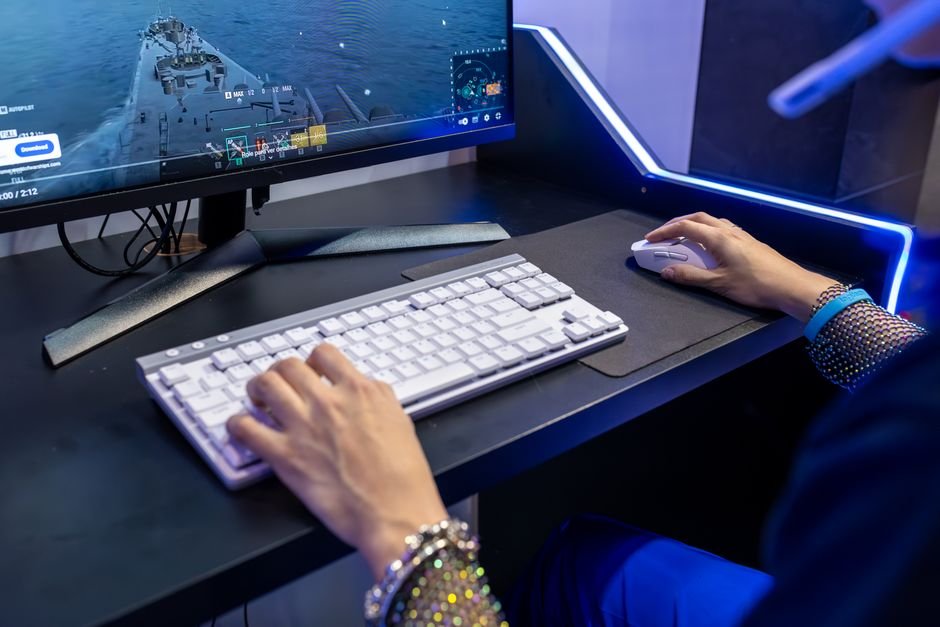
Before buying a gaming laptop for its “portability,” keep this reality in mind: you cannot game unplugged. The moment you disconnect a gaming laptop from the wall, the battery cannot deliver the 150W to 240W of instantaneous current the GPU demands. Frame rates will immediately collapse to an unplayable 20-30 FPS, and the battery will drain from 100% to dead in roughly 50 to 60 minutes.
That means whenever you plan to game, you must carry the laptop plus its heavy 800-gram charging brick. It is portable between desks, but it is not a “play on the metro train” device.
Debating whether slow loading times in your games are caused by your drive or your processor? Learn why storage configuration makes or breaks gaming responsiveness in SSD vs HDD: Why Your Next Laptop Should Skip the Hard Drive.
Frequently Asked Questions
1. Do gaming laptops overheat and throttle?
Yes. Because gaming laptops pack 150W+ of heat-generating silicon into tiny spaces, CPUs routinely hit 90°C to 95°C under heavy loads. While modern chips are designed to withstand these temperatures, thermal throttling (reducing clock speeds to prevent damage) will occur if vents gather dust.
2. Can I connect an external monitor to a gaming laptop?
Yes, absolutely. Most modern gaming laptops feature HDMI 2.1 or USB-C DisplayPort outputs wired directly to the dedicated GPU, allowing you to use high-refresh 144Hz/240Hz external monitors at home.
3. How long does a gaming laptop battery last for office work?
When not gaming, switching to integrated graphics and dropping the screen refresh rate to 60Hz can yield between 4 and 6 hours of battery life for web browsing and office documents.
4. Is it difficult to build a gaming desktop yourself?
Not at all. Modern PC components are modular and keyed—parts can physically only plug into their corresponding sockets. With step-by-step YouTube tutorials, building a PC takes about two to three hours and saves thousands in pre-built assembly markups.
Final Verdict
Choose your weapon based on your living situation. If you are a college student shifting between rental rooms, a freelancer working from co-working hubs, or someone who travels between cities every weekend, a gaming laptop is the only practical choice. But if you have a stable room with a permanent desk, build a custom desktop. You will enjoy higher frame rates, cooler and quieter gaming sessions, and a machine that evolves with you for the next decade.
1 thought on “Gaming Laptop vs Gaming Desktop — Pros, Cons & Real Costs”