
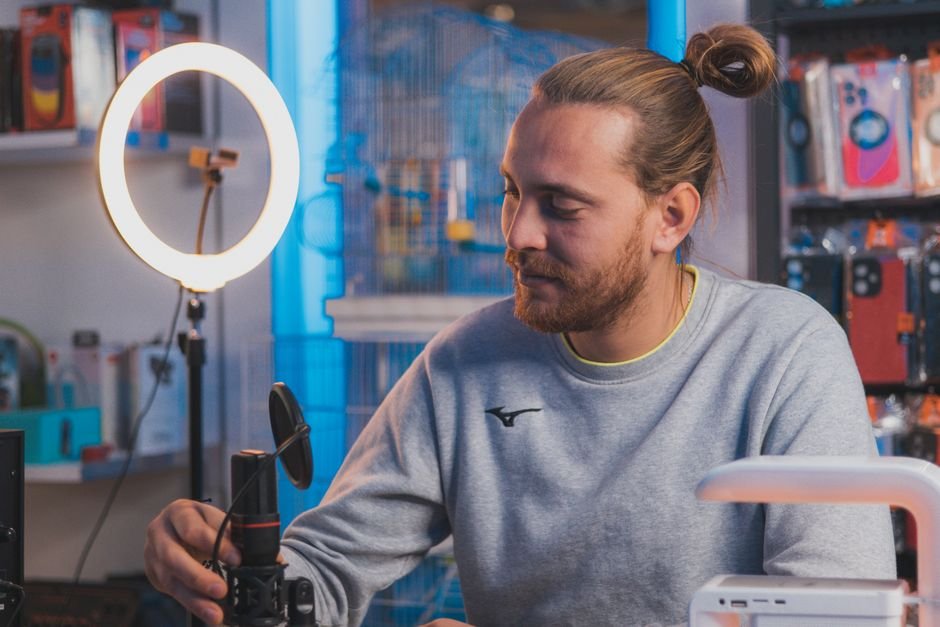
Open Instagram, YouTube, or TikTok, and it is easy to feel intimidated by the production quality of modern digital creators. Top influencers film in sound-treated studios with ₹2,50,000 Sony mirrorless cameras, expensive cine lenses, and complex multi-point Godox lighting rigs. It is easy to convince yourself that you cannot start your YouTube channel, podcast, or food blog until you save up a massive equipment budget.
Here is the reality of modern content creation: your smartphone’s primary camera already shoots crisp 4K footage that surpasses professional broadcast cameras from a decade ago. What separates amateur-looking videos from polished, engaging content isn’t camera resolution—it is audio clarity, lighting control, and camera stability. A viewer will tolerate mediocre video quality, but they will swipe away in two seconds if your audio is echoey or muffled. Here are the best budget creator gadgets under ₹5,000 that will instantly elevate your production value.
Our Take / Quick Verdict: Spend your first ₹2,000 on a wireless clip-on lavalier microphone (like the Grenaro or Boya wireless mic) before buying anything else. Audio is 70% of perceived video quality. Pair it with a 10-inch ring light with a tall tripod stand (₹1,200), and your Reels and Shorts will look immediately professional.
1. Wireless Lavalier Microphone: Audio Comes First
When you stand four feet away from your phone and rely on the internal microphone, it captures every ambient sound in your room—the hum of the refrigerator, street traffic, ceiling fan vibrations, and room echo. Built-in microphones lack directional acoustic focus.
A 2.4GHz wireless clip-on lavalier mic changes everything. You plug a tiny receiver into your phone’s Type-C or Lightning port, clip the transmitter mic to your shirt collar, and talk normally. Because the microphone capsule sits six inches from your mouth, your voice is captured with rich proximity effect, deep vocal warmth, and zero room echo. Top budget picks like the Boya BY-V20 or Grenaro J13 cost between ₹1,499 and ₹2,299 and work straight out of the box with zero Bluetooth pairing hassle.
The Essential Budget Creator Starter Kit
Here is our curated budget breakdown of high-impact production gear totaling under ₹6,000:
| Creator Gear | What It Solves | Top Recommended Budget Pick | Approx. Price (India) |
|---|---|---|---|
| Wireless Lavalier Mic | Cures room echo, background fan noise | Boya BY-V10 / Grenaro Wireless Dual Mic | ₹1,499 – ₹2,299 |
| 10″ or 12″ LED Ring Light | Eliminates harsh shadows and camera grain | Digitek 12-inch Bi-Color Ring Light with Stand | ₹1,199 – ₹1,599 |
| Flexible Gorilla Tripod | Wrap-around mounting on railings, trees, tables | Syvo / Tygot Heavy Duty Gorilla Pod | ₹399 – ₹699 |
| Portable RGB Pocket Light | Adds creative background color glow (rim lighting) | Ulanzi VL49 RGB / Andoer Mini Light | ₹1,299 – ₹1,799 |
| Desktop USB Condenser Mic | Broadcast warmth for podcasts, voiceovers, gaming | Fifine K669B / Maono AU-PM420 | ₹2,499 – ₹3,299 |
2. Bi-Color Ring Light with 7-Foot Tripod Stand
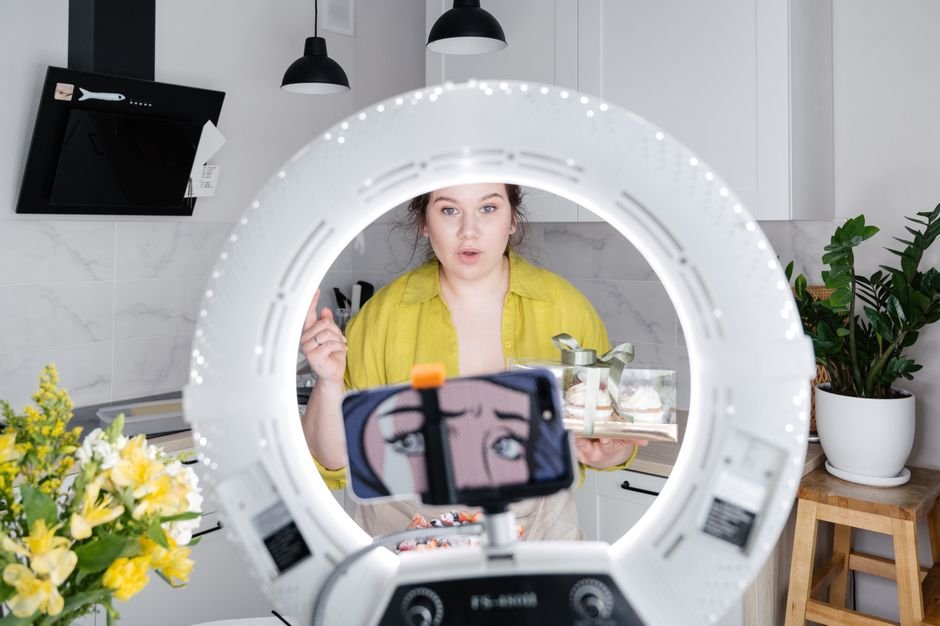
Smartphone cameras have physically small sensors that require abundant light to avoid digital noise. When you film under a single harsh ceiling bulb, it casts unflattering shadows under your eyes, nose, and chin, making footage look amateurish.
A 10-inch or 12-inch circular ring light distributes soft, diffused light evenly across your face. It also creates a pleasing circular “catchlight” reflection in your pupils that makes you appear energized and engaged. Look for models with adjustable color temperature knobs (Warm 3000K to Cool 6500K) so you can match the ambient light of your room.
3. Flexible Gorilla Pod: Unlimited Camera Angles
Traditional rigid tripods are bulky and take five minutes to set up. A flexible articulated tripod with rubberized ball joints (often called a GorillaPod) allows you to wrap your phone around staircase railings, clamp it onto tree branches, or bend the legs into an ergonomic handheld vlogging selfie stick.
At under ₹600, it is the most versatile piece of hardware you can toss into your everyday sling bag for spontaneous outdoor B-roll and street interviews.
4. Portable RGB Pocket Light: The Cinematic Secret
Have you ever wondered how professional tech reviewers and creators get that cool blue or neon magenta glow behind their head in background corners? They aren’t painting their walls—they are using tiny credit-card-sized RGB LED lights (like the Ulanzi VL49 RGB for ₹1,300).
Placing a small RGB light on a shelf behind you casts a rich wash of color that visually separates you from your background wall. This creates visual depth, transforming a flat, boring bedroom wall into a vibrant, cinematic studio set.
Setting up your home recording desk and need advice on cable docks and monitor stands? Check out our complete guide on Must-Have Tech Accessories for Your Work-From-Home Setup for practical ergonomics.
Frequently Asked Questions
1. Do I need a 3-axis motorized gimbal for smooth video?
Not right away. Modern smartphones already possess remarkable built-in sensor-shift OIS and Action Mode stabilization. Unless you are running behind athletes or shooting complex tracking dolly shots, a ₹600 tripod and smooth walking technique will cover 90% of your stability needs.
2. Can I use a budget wireless mic with both iPhone and Android?
Yes. Look for dual-connector wireless mic systems or pick a USB-C receiver that includes a certified Lightning adapter in the box so you can switch between Android and iOS seamlessly.
3. What free video editing apps are best for smartphone creators?
CapCut and VN Video Editor are the undisputed champions for mobile editing. They offer keyframe animations, automatic speech-to-text captions, multi-layer timelines, and 4K export with zero subscription fees.
4. How should I position my ring light for natural lighting?
Never place the ring light below your chin. Position it slightly above your eye level, tilted downward at roughly a 45-degree angle. This mimics natural sunlight and creates a flattering, cinematic jawline shadow.
The Bottom Line
Stop waiting for the day you can afford a cinema camera. Great content is built on compelling ideas, authentic personality, and clear storytelling. Invest just ₹3,500 across a reliable wireless microphone, a soft ring light, and a flexible tripod. Master your lighting and audio fundamentals, hit record, and start publishing today.