
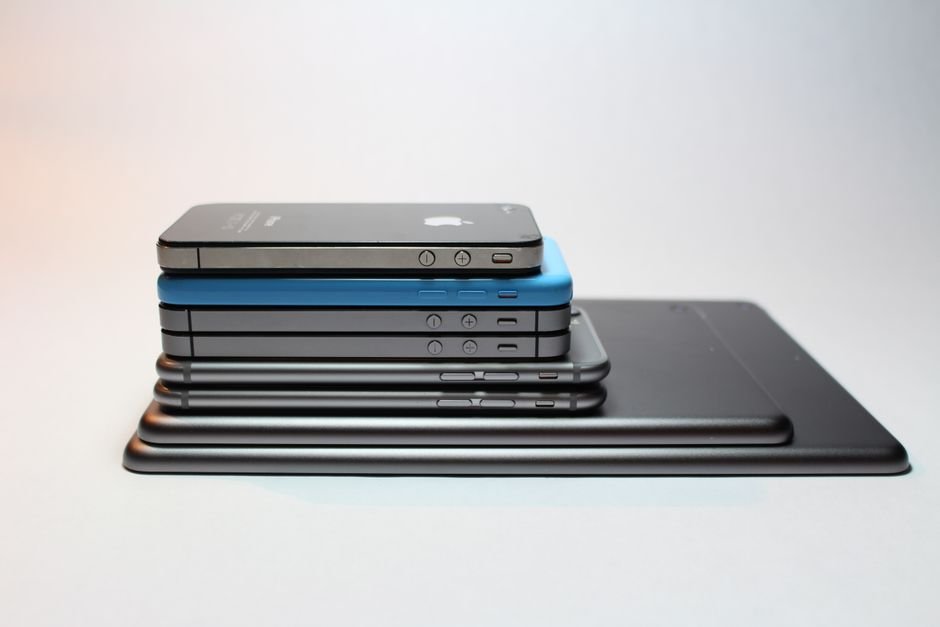
Over the last decade, smartphones have steadily expanded in size. We went from holding compact 4-inch displays to carrying massive 6.7-inch and 6.8-inch mini-tablets in our pockets. Concurrently, tablets have matured into powerful computing slabs equipped with magnetic keyboard attachments, desktop-grade Apple Silicon or Snapdragon processors, and pressure-sensitive digital stylus pens. If you have ₹25,000 to ₹45,000 to spend on a new personal device, you might wonder: Should you upgrade to an ultra-large flagship smartphone, or keep a modest phone and buy a dedicated 11-inch tablet instead?
While marketing ads promise that a modern tablet can replace both your phone and your laptop, the daily reality is far more nuanced. A tablet cannot slip into your jeans pocket while you run errands, and squinting at a smartphone screen to annotate 100-page academic PDFs or sketch digital art is an ergonomic nightmare. Here is how to decide whether a phone or a tablet deserves your investment.
Our Take / Quick Verdict: Your smartphone is your non-negotiable life hub—never compromise on a reliable phone for a tablet. However, if you already own a decent working phone, buying a ₹20,000 to ₹30,000 tablet (like the iPad 10th Gen or Xiaomi Pad 6) provides vastly superior value for reading textbooks, watching movies, and taking handwritten stylus notes than spending that same money upgrading to an expensive flagship phone.
Screen Real Estate: The Geometry of Immersion
When smartphone manufacturers boast about a “6.7-inch display,” remember that screen diagonals are misleading due to aspect ratios. Modern phones use tall, narrow 20:9 or 21:9 aspect ratios designed for one-handed scrolling through social feeds. When you watch standard 16:9 widescreen video or read a PDF document, massive black letterbox bars appear at the top and bottom, leaving an effective active viewing area barely larger than a credit card.
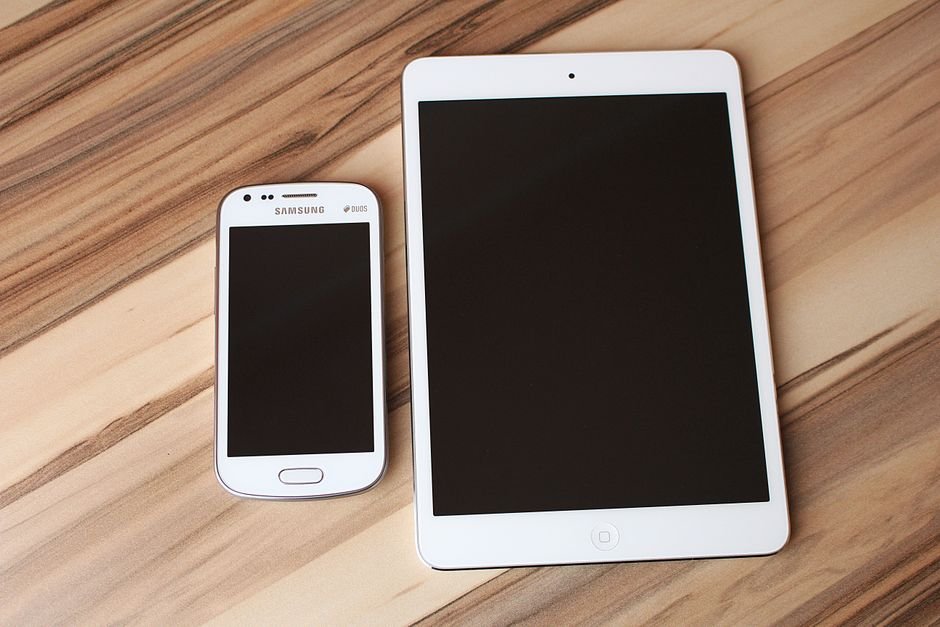
An 11-inch tablet with a 16:10 or 4:3 aspect ratio delivers nearly three times the physical surface area of a large phone. Reading academic research papers, highlighting textbooks side-by-side with digital notes, and streaming movies in bed feels genuinely cinematic and effortless on your eyesight.
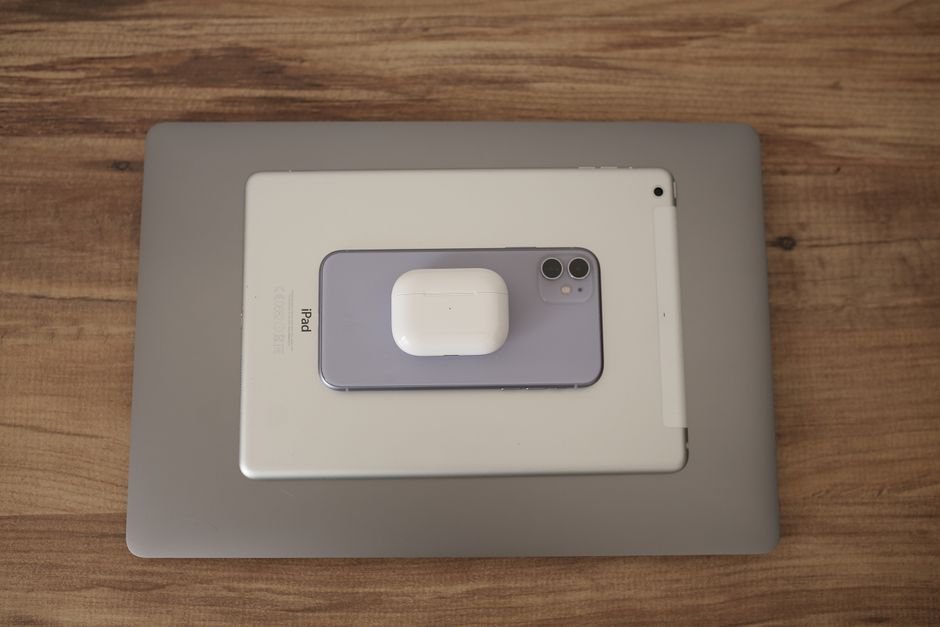
Head-to-Head Comparison: Phone vs Tablet
Here is an objective comparison across practical everyday tasks and usage scenarios:
| Everyday Use Case | Smartphone (6.1″ – 6.8″) | Tablet (10.9″ – 12.4″) | Decisive Winner |
|---|---|---|---|
| Communication & Calls | Primary voice calls, SMS, WhatsApp, instant OTPs | Wi-Fi dependent (LTE versions add extra cost) | Smartphone (Essential) |
| PDFs, Reading & Comics | Constant pinching, zooming, and eye fatigue | Full-page view, comfortable split-screen multitasking | Tablet (Unmatched) |
| Stylus Handwritten Notes | Awkward; tiny surface area (except Galaxy Ultra) | Natural palm rejection, paper-like note writing | Tablet (Massive win) |
| Portability & Daily Commute | Slides into any pocket; lightweight (180g) | Requires a backpack or tote bag (480g+) | Smartphone |
| Casual Video Streaming | Good in short bursts on the metro | Quad stereo speakers, expansive cinematic display | Tablet |
| Camera Quality | Cutting-edge 50MP OIS, 4K60 video, portrait mode | Basic 8MP/13MP sensor for scanning documents | Smartphone (Decisive) |
The Battery Separation Advantage
One of the most underappreciated benefits of owning a secondary tablet is saving your phone’s battery. If you commute on the metro for an hour, stream two episodes of a show, and read articles on your smartphone, your phone battery is down to 45% before your workday even begins.
Offloading your heavy entertainment, e-book reading, and YouTube viewing to a tablet keeps your smartphone cool, fully charged, and ready for critical phone calls, Google Maps navigation, and UPI payments throughout the evening. Furthermore, tablets pack massive 8,000mAh to 10,000mAh batteries that easily deliver 10 to 12 hours of continuous video playback on a single charge.
Who Should Buy a Tablet in 2026?
A tablet is not a replacement for a phone, but it is an extraordinary companion for three specific personas:
- Students & UPSC Aspirants: If your studies require annotating hundreds of PDF question papers, syllabus books, and lecture notes with a digital stylus (Apple Pencil or Xiaomi Smart Pen), a tablet replaces ten heavy binders and saves thousands in printer ink.
- Media Binge Watchers: Quad stereo speakers with Dolby Atmos on tablets like the Xiaomi Pad 6 or iPad deliver sound that easily outperforms tinny laptop speakers during bedside Netflix viewing.
- Digital Artists & Designers: Apps like Procreate, Concepts, and Infinite Painter turn an affordable tablet into a canvas that rivals expensive Wacom drawing monitors.
Looking for affordable accessories like power banks and charging hubs to keep your devices running on the go? Make sure to explore our guide on Power Banks Explained: mAh, Fast Charging & What Really Matters.
Frequently Asked Questions
1. Can a tablet completely replace a student laptop?
For typing essays, attending Zoom classes, and watching video lectures, yes—if paired with a keyboard case. However, for computer science programming (running IDEs, local servers) or specialized engineering software (AutoCAD, MATLAB), a traditional Windows or Mac laptop remains mandatory.
2. Should I buy an iPad or an Android tablet?
Apple iPad (10th Gen) offers unmatched app ecosystem optimization (especially for drawing and music creation) and 5+ years of OS updates. Android tablets (like Xiaomi Pad 6 or Samsung Galaxy Tab S9 FE) provide higher refresh rate 144Hz displays, better file system management, and superior value under ₹25,000.
3. Do I need an LTE/Cellular tablet?
For 90% of buyers, no. Cellular tablet variants cost ₹6,000 to ₹10,000 more and require a secondary SIM recharge plan. Simply turning on your smartphone’s portable Wi-Fi hotspot when traveling gives your tablet instant internet connectivity for free.
4. How long does a tablet typically last?
Because tablets aren’t subjected to the pocket friction, frequent drops, and constant battery draining of smartphones, a good tablet comfortably lasts five to seven years for reading and media streaming.
Final Verdict
Never sacrifice your primary phone to buy a tablet—your smartphone is your lifeline for daily communication, photography, and mobile banking. But if you are contemplating spending ₹60,000 on an ultra-premium flagship phone just to get a slightly bigger screen for YouTube, stop. Keep a dependable ₹20,000 mid-range smartphone, spend ₹25,000 on an iPad or Xiaomi Pad, and pocket the remaining ₹15,000. You will enjoy the best of both worlds without compromising on either.