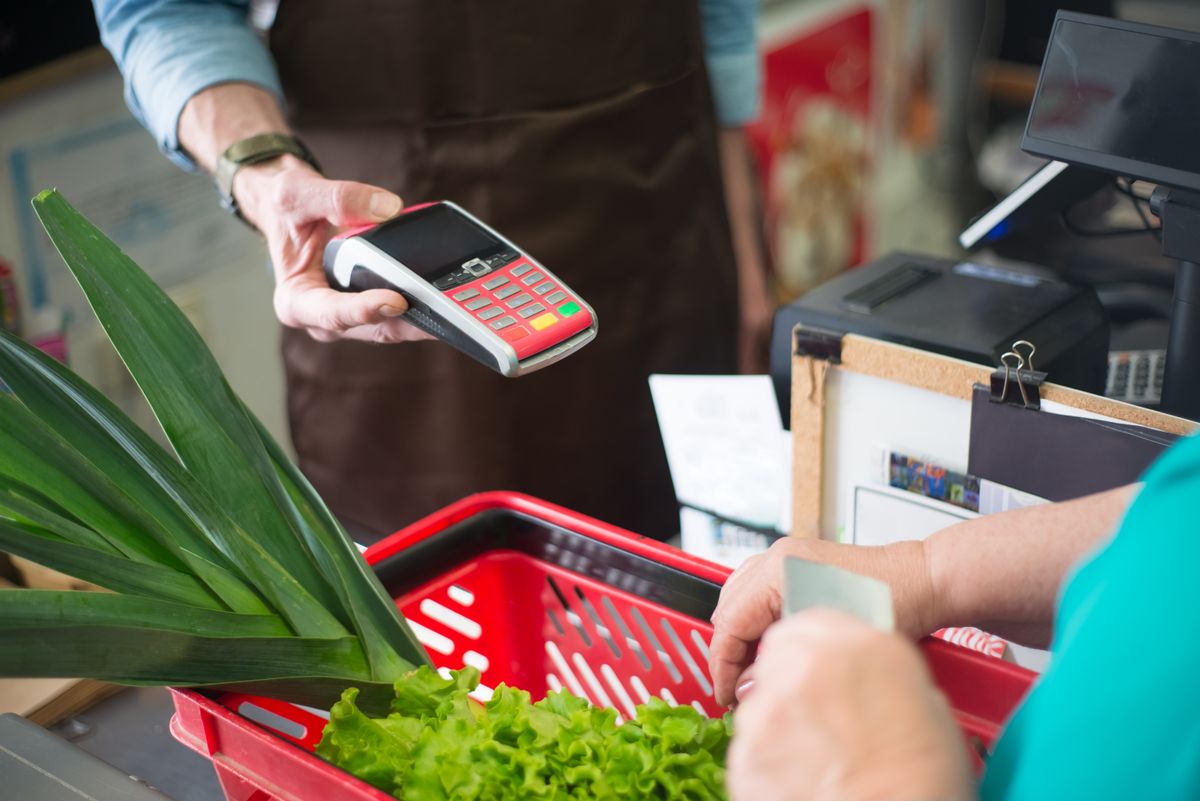
Anyone who pushed a metal wire cart through a neighborhood supermarket thirty or forty years ago knows the feeling of modern checkout counter shock. You load the conveyer belt with a carton of eggs, a gallon of milk, a pound of butter, and a package of chicken breasts, and before you know it, the digital register flashes a total that used to feed a family of five for an entire month.
For decades, the grocery receipt was the ultimate pulse of everyday American family economics. It told the story of agricultural abundance, technological shifts, inflation shocks, and the changing way we prepare dinner around the family table.
Let us take a fascinating walk down the supermarket aisles of history, decade by decade, to trace how everyday pantry staples transformed in price from the 1960s to today.
The 1960s: The Era of the $20 Overflowing Cart
In the early 1960s, American grocery shopping was remarkably affordable and unhurried. The average weekly grocery bill for a suburban family of four was approximately **$20 to $25**, which produced four or five overflowing brown paper sacks packed with fresh meats, dairy, and canned goods.
A fresh one-pound loaf of white sandwich bread cost an average of **21 cents**. A half-gallon of whole milk in a glass bottle or waxed cardboard carton was **49 cents**, while a dozen large Grade A eggs ran about **53 cents**.
At the butcher counter, ground chuck sold for **45 cents a pound**, and center-cut pork chops were **89 cents a pound**. Canned vegetables like Del Monte green beans or Campbell’s tomato soup were regularly on sale at ten cans for a single dollar.

The 1970s: Inflation, Stagflation, and Coupon Clipping
The 1970s brought significant economic turbulence to American kitchens. Spurred by two major global energy crises and rapid currency inflation, grocery prices climbed steadily throughout the decade.
By 1975, a loaf of bread rose to **36 cents**, a dozen eggs reached **77 cents**, and a full gallon of milk jumped to **$1.57**. A pound of Oscar Mayer bacon, which cost 65 cents in 1968, climbed to **$1.40** by the mid-70s.
This was the era when Sunday newspaper coupon clipping became an essential household ritual. Armed with plastic scissors, moms carefully snipped cents-off coupons from the *Sunday Circular*, filing them neatly into accordion organizers to earn extra savings and double-stamp rewards at checkout.
The 1980s: The Rise of Convenience Foods and Microwave Meals
During the 1980s, American eating habits shifted dramatically toward convenient, pre-packaged foods suited for dual-income households and the newly ubiquitous countertop microwave oven.
By 1985, a standard loaf of white bread averaged **55 cents**, a gallon of whole milk cost **$2.20**, and a dozen eggs sold for **$1.00**. A pound of ground beef hovered around **$1.35**, while a pound of boneless chicken breasts averaged **$2.50**.
New pantry staples became household staples: a blue box of Kraft Macaroni & Cheese cost **39 cents**, a package of Swanson TV Dinners ran **$1.29**, and a family-sized box of Kellogg’s Frosted Flakes or Cheerios cost approximately **$1.89**.

The 1990s: Supercenters and Bulk Club Warehouses
The 1990s introduced mega-retailers like Walmart Supercenters, Costco, and Sam’s Club, transforming how Americans purchased groceries in bulk.
In 1995, a gallon of milk cost an average of **$2.50**, a loaf of bread reached **$1.15**, and a dozen eggs averaged **$1.16**. Premium ground coffee in a steel can (like Maxwell House or Folgers) sold for around **$3.25** for a 39-ounce container.
While food prices steadily increased, intense retail competition helped keep basic staples relatively stable compared to the dramatic inflation waves of the 1970s.
The 2020s: The Modern Grocery Landscape
Today, everyday grocery shopping presents a starkly different financial reality. Global supply chain disruptions, packaging expenses, and agricultural costs have pushed basic food prices to historic highs.
A standard loaf of sandwich bread now routinely costs **$2.50 to $4.50** (with artisan loaves reaching $6.00). A gallon of whole milk averages **$4.15**, while a dozen large eggs fluctuate between **$3.00 and $5.50**. A pound of standard ground beef averages **$5.60**, and a one-pound block of brand-name butter costs **$4.50 to $7.50**.
A weekly family grocery run that cost $25 in 1965 or $75 in 1985 now easily surpasses **$250 to $350** per week.
The Hidden Shift: Shrinkflation and Changing Package Sizes
Comparing grocery prices across decades requires looking not just at the dollars spent, but at the size of the packages in your cart. In past decades, a “can of coffee” meant a massive, heavy metal cylinder holding a full **three pounds (48 ounces)** of ground coffee. Today, modern plastic coffee tubs routinely hold just 24 to 30 ounces at higher prices.
Similarly, a carton of Breyers or Dreyer’s ice cream was historically a true half-gallon (**64 fluid ounces**). Over recent years, manufacturers subtly resized containers down to 56 ounces and then 48 ounces, while candy bars that once weighed over two ounces have shed fractions of an ounce year after year. Shoppers today often pay substantially more money for noticeably less product.
The Vanished Rituals of the Checkout Lane
Beyond the numbers on the receipt, what many of us miss most about past grocery shopping is the human rhythm of the store. The rhythmic *thump-thump* of the cashier manually sliding goods across polished metal counters, the friendly bagger asking if you preferred “paper or plastic,” and the clerk who knew your name without scanning a digital loyalty barcode on your smartphone.
What is the one grocery staple whose price increase shocks you the most when you look at your receipt today?
🛒 Related Chronicle: Walk the aisles of the past in grocery store chains that vanished from America and see what a single dollar bought in America in 1975 vs today.