
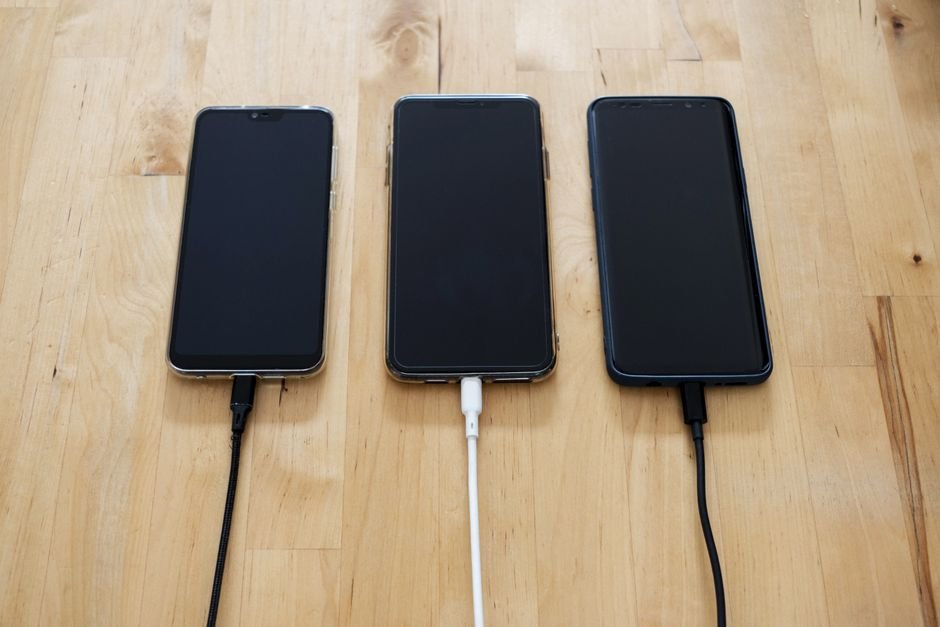
Few topics in the consumer tech world generate as much anxiety, superstitious advice, and heated family WhatsApp forwards as smartphone battery health. We have all heard the warnings from well-meaning friends or older relatives: “Never charge your phone overnight or the battery will explode,” “Make sure you completely drain the battery until it dies before plugging it in,” or “Force-close all your apps to save battery life.”
Most of these “rules” were originally formulated in the 1990s and early 2000s when consumer electronics ran on archaic Nickel-Cadmium (NiCad) and Nickel-Metal Hydride (NiMH) batteries. Modern smartphones run on sophisticated Lithium-Ion and Lithium-Polymer cells managed by intelligent on-board microcontroller circuits. Let’s bust the most widespread smartphone battery myths with actual engineering science so you can stop stressing and start enjoying your device.
Our Take / Quick Verdict: Your smartphone is far smarter than outdated folklore gives it credit for. Leaving your phone on charge overnight does not overcharge it, and swiping away apps actually wastes battery. The only real enemy of modern lithium-ion batteries is excessive heat—avoid fast charging while playing games or leaving your phone on hot car dashboards.
Myth 1: Leaving Your Phone Charging Overnight Destroys the Battery
The Reality: It is practically impossible to “overcharge” a modern smartphone. Inside your device sits a dedicated Power Management Integrated Circuit (PMIC). The moment your battery hits 100%, this hardware chip physically cuts off charging current from the wall socket.
Modern operating systems (Apple iOS, Samsung One UI, OnePlus OxygenOS, Xiaomi HyperOS) also employ “Optimized Battery Charging.” By learning your daily alarm schedule, the phone will charge quickly up to 80%, pause overnight, and gently trickle the final 20% right before you wake up in the morning. Leaving your phone plugged in overnight is completely safe.
Myth 2: You Must Drain the Battery to 0% Before Charging
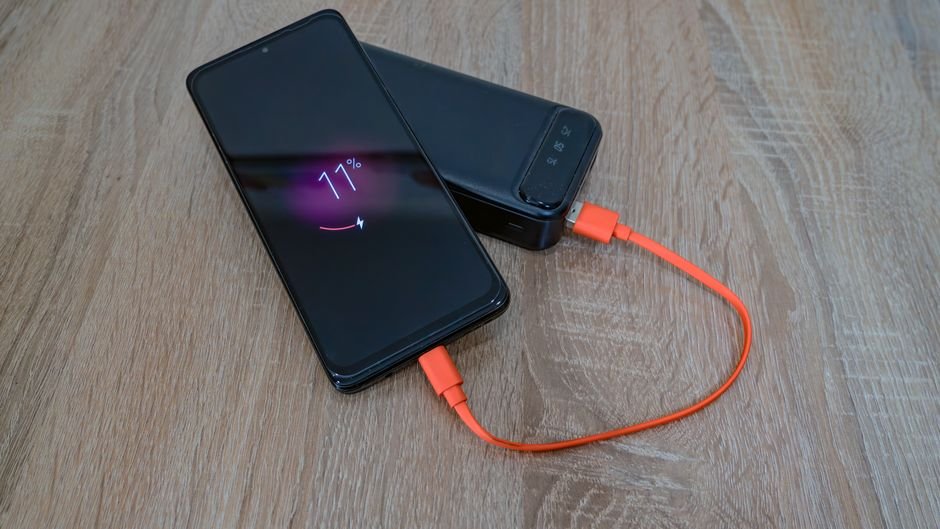
The Reality: This is the classic “memory effect” myth leftover from 30-year-old Nickel-Cadmium rechargeable batteries, which lost capacity if not discharged completely. Lithium-ion batteries have zero memory effect. In fact, running a lithium battery all the way down to 0% creates intense chemical stress on the internal electrode layers.
Lithium-ion cells measure lifespan in “charge cycles” (one cycle equals using 100% of capacity). Regularly shallow-charging your device—for example, plugging in at 30% and unplugging at 80%—generates substantially less stress than letting the phone shut down completely. Deep discharges actually accelerate long-term battery degradation.
Myth 3: Ultra-Fast Charging (67W to 120W) Burns Out the Battery in Months
The Reality: When brands introduced 67W, 80W, and 120W charging, many critics worried the batteries would degrade in under six months. However, phone engineers adapted by splitting the battery into two separate internal cells (e.g., dual 2,500mAh cells instead of one 5,000mAh cell). A 120W charger splits its output, feeding 60W safely into each cell.
Furthermore, fast charging only operates at maximum speed between 0% and 50% capacity. Once the battery warms up or crosses 70%, the PMIC throttles charging wattage down to modest levels to keep thermals under 38°C. Real-world degradation data indicates fast-charged phones maintain roughly 80% health after 800 to 1,600 full cycles—comparable to slow-charging phones.
Myth vs. Reality: The Smartphone Battery Factsheet
Here is a quick reference table comparing the most common battery folklore with actual engineering facts:
| Battery Myth | Scientific Reality | Recommended User Action |
|---|---|---|
| “Charge overnight = battery overcharged” | Smart PMICs halt current at 100% and trickle feed. | Charge overnight with ‘Optimized Charging’ enabled. |
| “Drain to 0% before recharging” | Deep discharge stresses lithium electrodes severely. | Plug in when you hit 20% – 25% battery remaining. |
| “Swiping away recent apps saves battery” | Clearing RAM forces heavy CPU cycles on relaunch. | Leave frequently used apps open in background RAM. |
| “Leaving Bluetooth/Wi-Fi on drains massive juice” | Bluetooth Low Energy (BLE 5.3) draws negligible microamps when idle. | Leave them on for convenience; turn off only in airplane mode. |
| “Third-party chargers damage the phone” | Certified USB-PD / GaN chargers negotiate safe voltages automatically. | Use certified brands (Anker, Belkin, Ugreen); avoid ₹100 street chargers. |
Myth 4: Force-Closing Recent Apps Saves Battery
The Reality: This is arguably the most common ritual among smartphone owners. You swipe up to view open apps and frantically flick them away, thinking you are freeing up battery power. Both Apple’s Craig Federighi and Google’s Android engineering leads have publicly stated that force-closing apps actually wastes battery life.
Modern mobile operating systems freeze background apps into dormant RAM states where they consume virtually zero CPU power. When you swipe an app away, you purge it from RAM. When you open WhatsApp or Instagram ten minutes later, the CPU has to spin up to maximum clock speed to reload all assets and code from flash storage into memory, creating an unnecessary spike in battery draw.
What Actually Harms Your Battery: Heat and Deep Discharges
If overnight charging and fast chargers aren’t the culprits, what actually degrades your phone’s battery? The answer is simple: Thermal Heat.
When battery internal temperatures exceed 40°C, the electrolyte fluid inside the cell breaks down at an accelerated pace, causing permanent capacity loss. Here are three real habits that genuinely damage your battery:
- Gaming while Fast Charging: Playing BGMI or Genshin Impact while connected to a 65W+ fast charger forces the processor and battery to generate heat simultaneously, pushing internal temperatures above 44°C.
- Leaving Phones in Hot Vehicles: Leaving your device on your car dashboard under the blazing Indian summer sun cooks the lithium chemistry within hours.
- Charging Under Thick Pillows or Heavy Rugged Cases: Thick rubber cases trap heat during rapid charging. Remove bulky cases during charging sessions if your phone gets uncomfortably hot.
If you’re noticing your battery draining rapidly while on mobile data, the culprit might not be your battery health at all, but cellular frequency hunting. See our breakdown on 5G vs 4G Phones — Does It Actually Matter for Everyday Users? to learn how mobile network selection impacts daily endurance.
Frequently Asked Questions
1. Should I cap my battery charging at 80%?
If your phone offers an “80% Limit” setting (standard on iPhone 15/16 and Samsung One UI 6.1+), using it will demonstrably extend the chemical lifespan of your battery over a 3-year period. However, if you work long days away from a charger, having 100% capacity ready is often worth the modest degradation.
2. Is it safe to use my phone while it is charging?
Yes, for light tasks like reading articles, texting on WhatsApp, or browsing websites. However, avoid intense GPU-heavy gaming or video editing while plugged in to prevent severe heat buildup.
3. Can I use a 65W laptop charger to charge my smartphone?
Yes, provided your laptop charger uses the standard USB-C Power Delivery (PD) protocol. The smartphone’s internal charge controller communicates with the charger and negotiates only the wattage it can safely accept (e.g., 20W or 30W).
4. How long should a smartphone battery last before needing replacement?
Most quality lithium-ion smartphone batteries are rated for 800 to 1,000 full charging cycles, which translates to roughly 2.5 to 3 years of daily use before dropping below 80% health.
The Takeaway
You don’t need to micromanage your smartphone like a fragile science experiment. Charge it whenever convenient, leave it plugged in overnight without guilt, and stop swiping away background apps. As long as you keep your handset away from scorching heat and avoid playing graphics-heavy games while tethered to a high-speed brick, your battery will easily power your daily life for years to come.